AI can already take real work off your plate. Not someday, today. It can answer the same customer questions you answer twenty times a day, book appointments, chase leads who went quiet, read invoices and type the numbers into your sheet, and put together a weekly report while you sleep.
It cannot run your business for you. It still makes mistakes, and it is not good at judgement calls. This post explains what AI automation and AI agents are in plain words, where they help most, where they don’t, and how to start without risk.
What AI automation and AI agents actually are
AI automation means a computer does a repetitive task for you, using AI for the parts that need reading or writing. For example: an email with an invoice arrives, the system reads the PDF, pulls out the vendor, date and amount, and adds a row to your accounts sheet. Same steps every time.
An AI agent goes one step further. It can decide what to do next based on what it sees. A customer writes “Can I come in on Saturday afternoon?” The agent understands the question, checks your calendar, offers two free slots, books the one the customer picks and sends a reminder the day before.
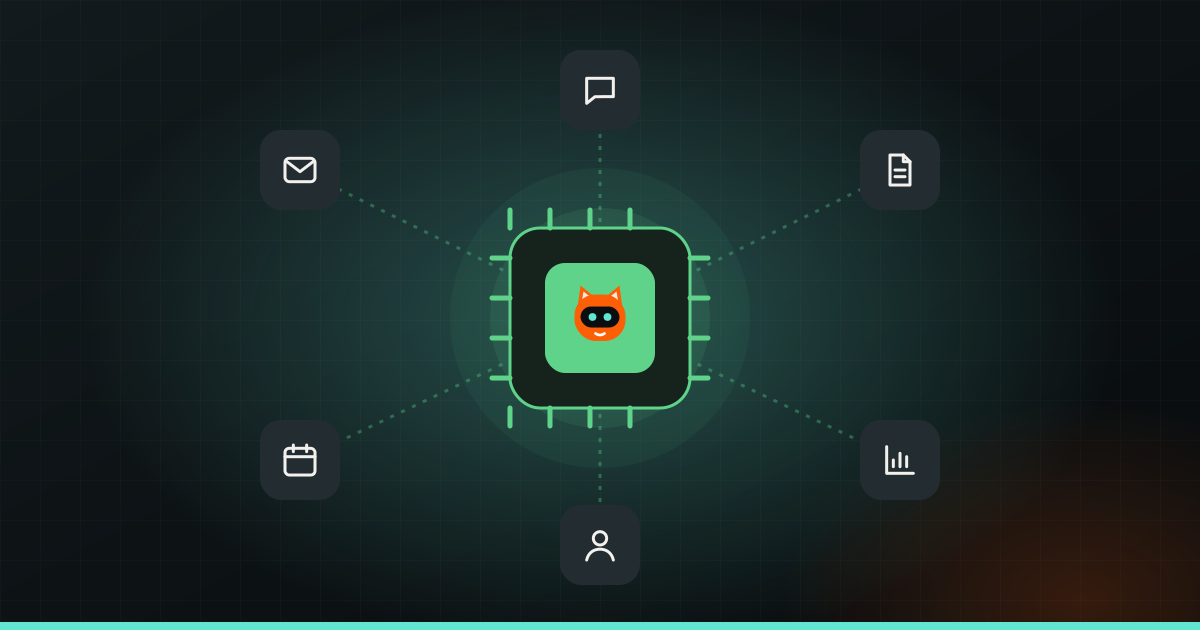
Both work in the background, around the clock, and connect to tools you already use: WhatsApp, Gmail, Google Sheets, your website forms, your CRM (customer list software) or your billing system. You don’t need to replace your setup. You add a helper on top of it.
Real examples by type of business
Here is what this looks like in businesses like yours.
A clinic
Patients message at all hours asking about timings, fees and whether the doctor is in. An AI assistant answers these common questions on WhatsApp, books appointments into the calendar, sends reminders and passes anything medical straight to the staff. The front desk spends less time on the phone and more time with the people in front of them.
A coaching centre
Parents fill a form on the website or click an Instagram ad. The AI replies within a minute with batch timings and fee details, asks which class the student is in, and adds the lead to a sheet. If the parent goes quiet, it sends a polite follow-up two days later. The counsellor only calls the leads who are ready to talk.
A D2C brand
Most support messages are “Where is my order?” and “How do I return this?” An AI agent can look up the order status and reply with the tracking link, explain the return policy, and hand angry or unusual cases to a person. It can also summarise reviews every week so you see what customers love and complain about.
A café or restaurant
Table bookings, menu questions and catering enquiries can be handled automatically. At the end of each day, the system can pull sales from the billing software and send the owner a short summary on WhatsApp.
A shop or distributor
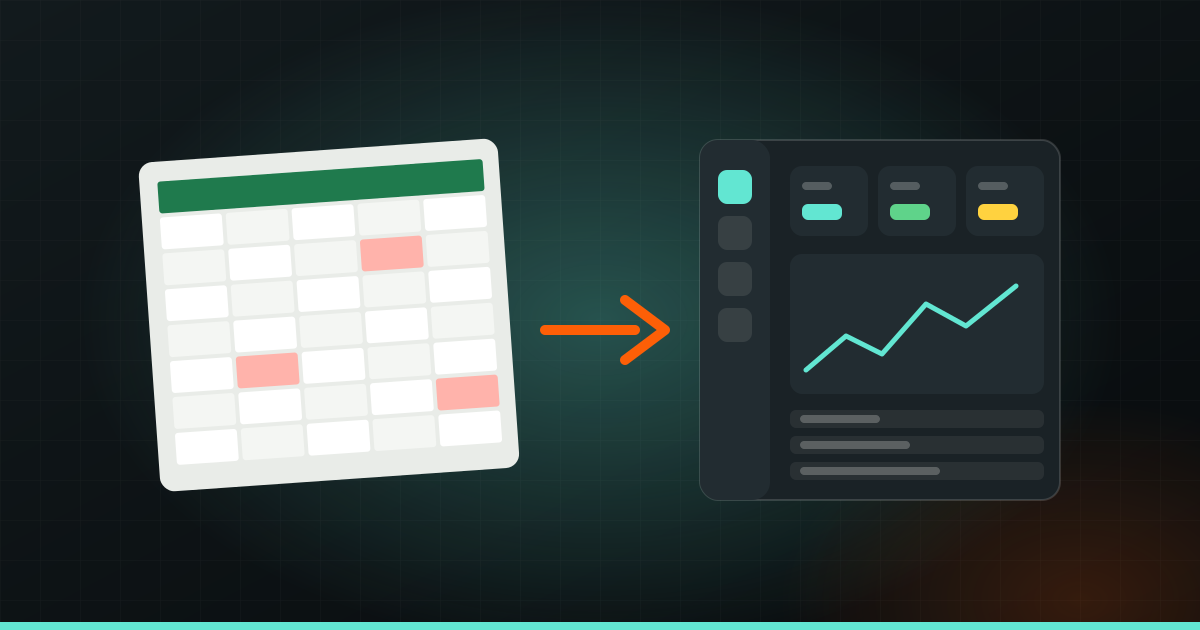
Supplier invoices arrive by email in different formats. AI reads them, enters the details into the inventory or accounts system, and flags anything that doesn’t match the purchase order. No more evenings spent typing numbers.
The tasks AI handles well
Across all these examples, the same kinds of tasks come up. AI is good at work that is frequent, repetitive and follows clear rules:
- Replying to enquiries: answering common questions on WhatsApp, email or website chat, any time of day.
- Bookings: checking availability, booking, rescheduling and sending reminders.
- Lead follow-up: replying fast, asking a few qualifying questions and nudging people who went quiet.
- Invoices and documents: reading PDFs and images, pulling out the key details and filing them.
- Data entry: moving information between forms, sheets, emails and software without copy-paste.
- Reports: collecting numbers from different places and writing a short daily or weekly summary.
Speed matters more than most owners think. A lead who gets a useful reply in one minute is far more likely to buy than one who hears back the next morning. We wrote more about this in how to reply to WhatsApp messages at night, and there is a longer list in tasks you can hand to AI.
What AI is not good at
Being honest about the limits will save you money and trouble.
- Judgement calls. Should you give this unhappy customer a refund? Should you take this big order on credit? These need a person who knows the context.
- Sensitive conversations. A complaint about a bad experience, a medical worry, a fee dispute. People want to feel heard by a human.
- Being right every time. AI can misread a blurry invoice or confidently give a wrong answer if it hasn’t been given the right information. This is why checking matters.
- Messy, unclear processes. If your team does a task differently every time, AI will struggle too. It works best when the steps are clear.
- Replacing your relationships. Your regulars come back because of you and your team. AI should free up time for that, not replace it.
How to start: pick one task
The biggest mistake is trying to automate everything at once. Start with one task. A good first task:
- Happens often. Daily or many times a week.
- Follows clear rules. You could explain it to a new staff member in ten minutes.
- Is annoying, not critical. If it goes slightly wrong, nothing terrible happens.
For most businesses, that is replying to common enquiries or moving leads from forms into one place. Run it for a few weeks, see what breaks, fix it, and only then add the next task.
Tip: Before automating anything, write down the task as simple steps and list the ten questions customers ask most. This one page makes any AI setup faster and more accurate.
Getting it right takes some testing. The first version always meets real customers who phrase things in ways nobody expected. Plan for a short period of watching and adjusting.
Keep a human in the loop
“Human in the loop” means a person checks or approves the AI’s work at the points that matter. In practice:
- The AI drafts a reply to a complaint; a person reads it before it goes out.
- The AI enters invoices; a person reviews anything above a certain amount or anything flagged as unusual.
- The AI answers common questions; anything it is unsure about goes straight to your team with the full chat history.
Over time, as you see where it is reliable, you can let it handle more on its own. But always keep a clear way for customers to reach a real person.
Privacy and data safety
AI systems handle customer names, phone numbers, orders and sometimes payment or health details. Treat that seriously:
- Give access only to what’s needed. A booking assistant needs your calendar, not your bank statements.
- Use trusted, well-known tools and check where data is stored.
- Keep a log of what the system did, so you can check and fix mistakes.
- Be open with customers. It’s fine to say they are chatting with an assistant and can ask for a person anytime.
- Follow the rules where you operate, especially for health, finance or children’s data.
Where Wizket fits in
Wizket builds AI automation and AI agents for small businesses and startups: email, leads, support, bookings, invoices, data entry and reports, connected to the tools you already use. Sometimes the right answer is a small automation; sometimes it is part of a bigger system, like custom software built around how you work. We start with a quick WhatsApp call about your goal, then send a plan with scope, timeline and a fixed price.
If you’re not sure which task to start with, that’s exactly what the first chat is for.