Build for the phones your customers actually use. In India, most people use Android phones. In markets like the US, UK or Gulf, iPhones are much more common, especially among higher-spending customers. So most businesses end up needing both, and the usual way to get both without double the work is a cross-platform app. But before choosing a platform, it is worth asking whether you need an app at all, and what the smallest useful version looks like.
Start with who your users are
The platform question is really a customer question. Look at what you know:
- Where are your customers? A kirana delivery app in a tier-2 Indian city will be used almost entirely on Android. A concierge service for NRIs in Dubai or London will see far more iPhones.
- Who are they? Students, delivery staff and field teams often use budget Android phones. Premium buyers lean towards iPhones in many markets.
- What does your data say? Your website analytics show which phones visit your site. That is a good signal.
- Is the app for customers or staff? If it is for your own team, you may even choose the devices they use.
If the answer is clearly one platform, starting there is reasonable. If it is mixed, and it usually is, plan for both.
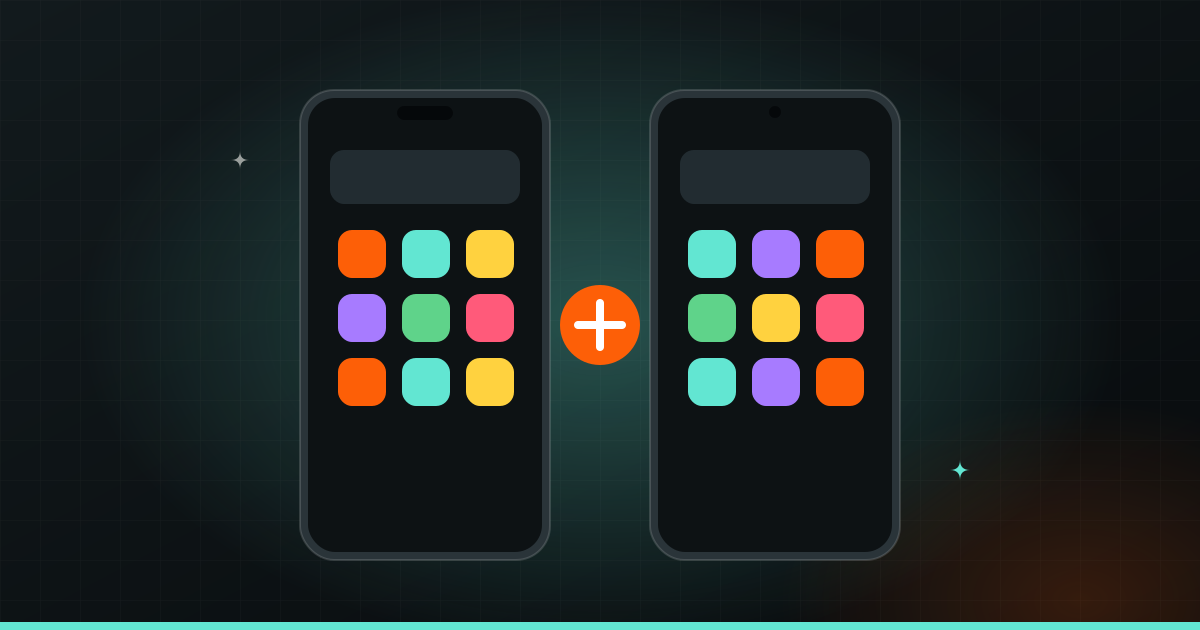
Cross-platform, explained simply
There are two ways to build for Android and iOS.
- Native: two separate apps, one written for Android (using Kotlin) and one for iOS (using Swift). Two codebases, often two sets of work.
- Cross-platform: one app written with a tool like Flutter (from Google) or React Native (from Meta), which then runs on both Android and iOS.
For most business apps, cross-platform is the practical choice. One codebase means features and fixes reach both platforms together, and the app looks and behaves consistently. Many well-known apps use these tools.
Native still makes sense in some cases: apps that lean heavily on advanced phone features, demanding games, or apps where every bit of performance matters. For a booking app, an ordering app, a school app or a loyalty app, cross-platform usually does the job well.
Web app vs native app: do you need the app store?
A web app runs in the phone’s browser. You open a link, no download needed. A native or cross-platform app is installed from the App Store or Google Play.
| Web app | Installed app | |
|---|---|---|
| Download needed | No, just a link | Yes, from the store |
| Works on any device | Yes | Android and iOS |
| Push notifications | Limited, varies by phone | Yes, reliably |
| Phone features (camera, GPS, offline) | Some | Full access |
| Icon on home screen | Optional | Yes |
| Store review before updates | No | Yes |
A web app is often enough when people use it occasionally: checking an order, booking a table once a month, filling a form. It is quicker to launch and easy to share on WhatsApp.
An installed app is worth it when people use it often (daily or weekly), when reminders and notifications matter, when it needs to work offline, or when it uses the camera, location or other phone features. A gym app with workout tracking, a delivery partner app, or a school app parents open every day are good examples.
Many businesses start with a strong mobile website or web app, then build an installed app once they see repeat usage. See what a good business website needs for the web side.
Tip: Ask yourself honestly: “Will my customers open this more than once a week?” If not, they may not want another app on their phone, and a web app may serve them better.
Build an MVP first
An MVP (minimum viable product) is the smallest version of your app that solves the main problem for real users. It is not a rough demo. It is a focused, well-made first version without the extras.
Say you run a chain of salons and want an app. The full wish list might include bookings, loyalty points, product shopping, stylist profiles, reviews, referrals and chat. An MVP might be just:
- See available slots and book.
- Get a reminder before the appointment.
- See past bookings.
Launch that, watch how people use it, listen to feedback, then add loyalty points or shopping next. You spend less up front, launch sooner, and build the next features based on what customers actually do, not what everyone guessed in a meeting. More on this in what to know before you build an app.
Publishing to the App Store and Google Play
Getting your app into the stores involves a few steps people often do not expect:
- Developer accounts. You need an Apple Developer account and a Google Play Console account, ideally in your business’s name so you own the app. Both charge a fee; check their sites for the current amount.
- Store listing. App name, description, screenshots, icon and category. This is your app’s shop window, so it is worth doing well.
- Privacy policy. Both stores require one, and you need to declare what data the app collects.
- Review. Apple and Google review apps before they go live. Apple is known to be stricter. Rejections happen, usually for fixable reasons like missing information or login issues.
- Updates. Every update also goes through review, so plan releases with a little buffer.
What drives the cost and time
A first version of an app usually takes 6–12 weeks. What moves it, and the cost, is mostly:
- Number of features and screens. Every screen needs design, building and testing.
- User types. A customer app plus a staff app plus an admin panel is three products, not one.
- Backend. Most apps need a server and database behind them, plus an admin panel to manage content, orders or users.
- Integrations. Payments, maps, SMS or WhatsApp messages, your existing software.
- Platforms. Native for both platforms usually takes more work than cross-platform.
- Design. Custom design and animations take more time than standard layouts.
- Testing on different phones and screen sizes, which matters a lot on Android where devices vary widely.
Cutting features from version one is the single best way to launch sooner.
After launch
An app is never really “done”. After launch, you will need:
- Updates for new phones and OS versions. Apple and Google release new versions every year, and apps sometimes need changes to keep working well.
- Bug fixes as real users find things testing did not.
- New features based on feedback and usage.
- Getting downloads. Publishing an app does not bring users by itself. You will need to tell your existing customers, and possibly run ads or content. See digital marketing explained.
Plan for support from the start, so the app keeps working and keeps improving.
If you are weighing up an app, Wizket builds iOS, Android and cross-platform apps, from first sketch to the stores and beyond, with a fixed price agreed after a quick chat.