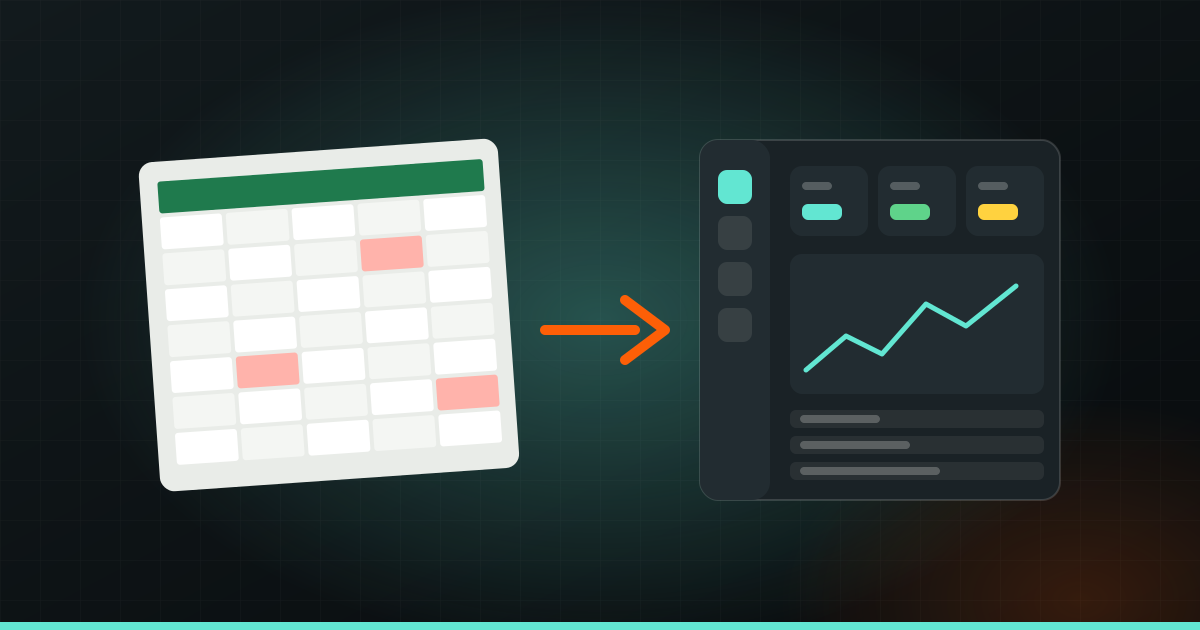
Your business should move beyond Excel when the spreadsheets start costing more time than they save. The clear signs: several people edit the same files, the numbers never quite match, staff copy the same data into three places, and you cannot see what is happening today without asking someone. At that point you have two options: a ready-made tool, or custom software built around how you work.
Excel and Google Sheets are excellent. Most businesses should start there. This post is about recognising when you have outgrown them and what to do next.
Signs you have outgrown spreadsheets
If three or more of these sound familiar, it is worth looking at a proper system.
- “Which file is the latest?” You have Stock_Final.xlsx, Stock_Final_v2.xlsx and Stock_Final_USE_THIS.xlsx.
- Numbers do not match. The billing sheet says one thing, the stock sheet says another, and the bank says a third.
- Copy-paste is a job. Someone spends hours every week moving data from one sheet to another, or from WhatsApp into a sheet.
- Mistakes cost money. A wrong formula, a missed row, a duplicate invoice, a stock item sold that was not there.
- Only one person understands the file. If they are on leave, nobody can find anything.
- No live picture. To know today’s sales or pending payments, you have to ask, wait and add things up.
- Access is all or nothing. You cannot let staff update stock without also letting them see salaries.
- Customers wait. A parent asks about fees or a patient asks about their last visit, and finding the answer takes a phone call and ten minutes.
None of these is a disaster alone. Together, they slow the business down and make growth harder. Adding a second branch or ten more staff on top of a fragile spreadsheet usually makes it worse.
Option 1: a ready-made tool
Ready-made software (often called SaaS, software you rent monthly online) exists for almost everything: accounting, billing, inventory, CRM, HR, school management, clinic management. Well-known examples include Tally or Zoho for accounts and billing, and many specialised apps for schools, clinics and restaurants.
Ready-made is a good fit when:
- Your process is fairly standard for your industry.
- You need something running this week.
- You are happy to adapt how you work to how the tool works.
Watch out for:
- Monthly fees per user that grow as your team grows.
- Features you pay for but never use, and the one feature you need that is missing.
- Several tools that do not talk to each other, so you are back to copying data between them.
- Your data living in someone else’s format, which can make leaving difficult.
Option 2: custom software
Custom software is built for your business specifically. It follows your process instead of forcing you into someone else’s.
Custom makes sense when:
- Your process is genuinely different. For example, a manufacturer with unusual pricing rules, or a coaching centre with complex batch and fee structures.
- You are stitching together three or four tools and spreadsheets to run one workflow.
- You need different access for different people: owner, manager, staff, customers.
- You want everything in one place, connected to your website, app or WhatsApp.
- The workarounds have become a daily cost.
The honest trade-off: custom software takes longer to get started and needs a clear plan. It is an investment, not a quick fix. That is why it is worth checking ready-made options first.
Tip: Before deciding, write down your process step by step on paper: who does what, in what order, and where the data goes. If a ready-made tool covers it, great. If you find yourself writing “then we export it and fix it in Excel” more than once, custom is worth a conversation.
What custom software looks like in different businesses
“Custom software” sounds abstract. Here is what it often means in practice.
Shops, distributors and D2C brands: inventory and billing
Stock that updates automatically when you bill. Low-stock alerts. Purchase orders. GST-ready invoices. Stock across several godowns or branches. A dashboard showing what sells and what sits.
Schools and coaching centres
Admissions, batches, attendance, fees and dues, exam results, timetables. A parent view or app where parents check attendance and fees without calling the office.
Clinics and hospitals
Appointments, patient records, prescriptions, billing, follow-up reminders. Doctors see history in one place; the front desk stops searching through registers.
Hotels and homestays
Room availability, bookings from different sources in one calendar, check-in and check-out, housekeeping status, invoices.
Restaurants and cafés: POS
A POS (point of sale) system for orders and billing, kitchen order tickets, table management, inventory of ingredients, daily sales reports, and online orders in the same system.
Any growing team: HR, payroll, CRM
Attendance, leave, salary calculation and payslips. A CRM (a system to track leads and customers) that shows every enquiry, who is following up, and what was promised.
A larger version that connects many of these, from purchasing to sales to accounts, is often called an ERP (enterprise resource planning). Small businesses rarely need the full thing at once.
Start small, then grow
The safest way to move to custom software is not to build everything at once. Start with the process that hurts the most.
- Pick one painful workflow. For a restaurant, maybe billing and kitchen orders. For a school, fees and attendance.
- Build a focused first version that does that one job well.
- Move your data in. Your existing spreadsheets can usually be cleaned and imported.
- Use it for real for a few weeks and collect feedback from the people using it every day.
- Add the next module once the first one is working.
This keeps the cost and risk in check. Your team learns the system gradually, and the next parts are shaped by real use rather than guesses.
Some of the repetitive work, like typing invoice details into the system or sending payment reminders, can also be handled by AI. See tasks you can hand to AI for ideas.
How long it takes
A focused first version of custom software usually takes 6–12 weeks. A single module with a few user roles sits at the shorter end. Several modules, integrations with other tools, mobile apps for staff or customers, and complex reports push it longer. You get the exact timeline with the plan, before any work starts.
What drives the cost
- Number of modules, such as billing, stock, HR or CRM.
- User roles and permissions: who can see and do what.
- Integrations with accounting software, payment gateways, WhatsApp, your website.
- Mobile access: a web system that works on phones, or a dedicated app. See Android, iOS or both?
- Reports and dashboards.
- Data migration from your existing sheets.
- Support, updates and hosting after launch.
Getting the scope right takes some back-and-forth, and building something people actually use takes testing with real staff. That is where most of the value is.
If your spreadsheets are holding you back, Wizket builds custom software and management systems around how your business works, with a fixed price agreed after a quick chat.