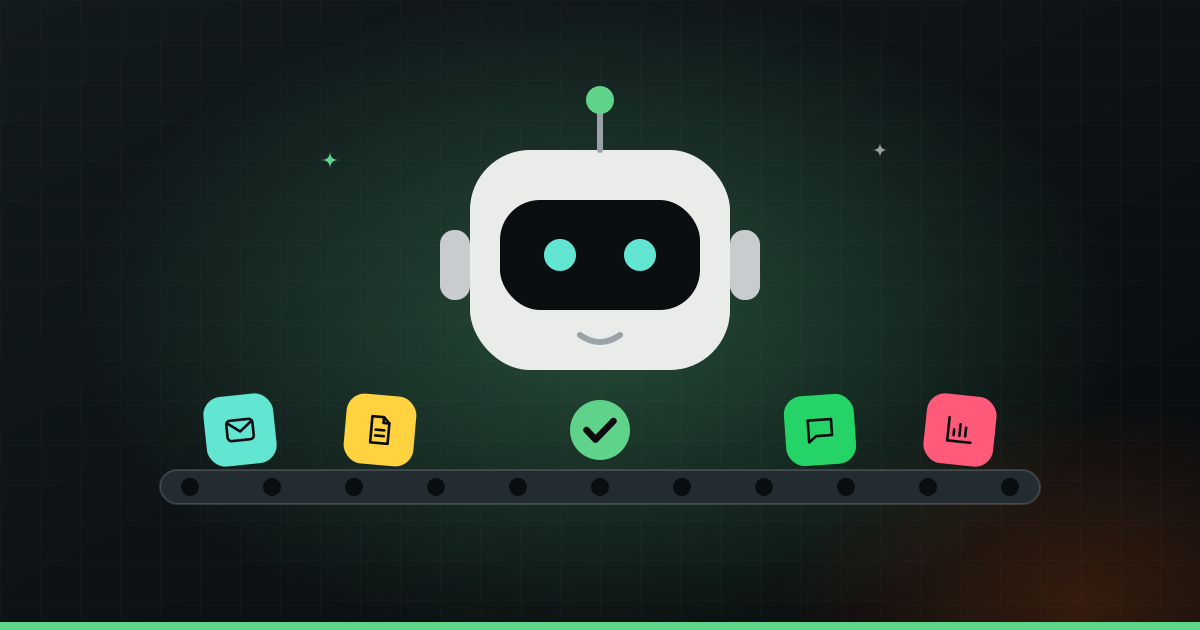
You do not need a big AI project to save real time. Five everyday tasks are ready to hand over now: answering common enquiries, sorting email and leads, data entry from invoices and forms, writing first drafts, and preparing reports or meeting notes. AI does the first pass fast. You stay in charge of anything that involves money, promises or judgement.
For each task below: what AI does, what you still check, and a simple example.
1. Answering common customer enquiries
Most businesses answer the same ten questions all day. “What are your timings?” “Do you deliver to my area?” “What is the fee for Class 11?” “Is the doctor available on Saturday?”
What AI does: an AI assistant on WhatsApp or your website reads the question, understands it even when it is phrased oddly or typed in Hinglish, and replies from the information you give it: your hours, services, prices, policies. It can reply at 11 pm on a Sunday, and when it does not know the answer, it can pass the chat to a person.
What you still check: the information it uses. If your prices change and nobody updates the assistant, it will confidently quote old prices. Read through its conversations regularly, especially in the first few weeks. Anything sensitive, like a complaint, a refund or a medical question, should go to a human.
Example: a coaching centre gets dozens of messages about batch timings and fees during admission season. The assistant answers those and collects the student’s name, class and phone number. The counsellor starts each morning with a list of real leads, not a pile of unanswered “hi” messages.
We go deeper on this in how to reply to every WhatsApp customer, even at night.
2. Sorting email and leads
An inbox mixes everything together: customer orders, supplier bills, job applications, spam, newsletters and the one urgent message you actually needed to see.
What AI does: it reads each incoming message and sorts it. Is this a new lead, a complaint, an invoice, or junk? It can tag it, move it to the right folder, add a lead to your CRM (a customer list tool) or a spreadsheet, and flag what is urgent. It can also score leads, for example marking a message that mentions a budget and a deadline as “hot”.
What you still check: the sorting rules, now and then. AI will sometimes put something in the wrong pile. Glance at the “low priority” folder once in a while so a real customer does not get buried.
Example: an interior design studio gets enquiries from its website, Instagram and email. AI pulls them into one sheet with name, city, type of project and rough timeline, and pings the owner on WhatsApp when a large project comes in.
3. Data entry from invoices and forms
Typing numbers from one place into another is slow, dull and easy to get wrong. It is also something AI now does well.
What AI does: it reads a PDF invoice, a photo of a bill, or a filled form, and pulls out the details you need: vendor name, date, invoice number, items, tax, total. Then it puts them into your spreadsheet, accounting tool or management system.
What you still check: anything that affects money. A blurry photo or a strange invoice layout can lead to a wrong number. A good setup flags low-confidence fields for a person to confirm instead of guessing. Your accountant should still review the books; AI just saves the typing.
Example: a restaurant receives supplier bills from a dozen vendors, some as PDFs on email and some as photos on WhatsApp. AI reads each bill, logs it in one sheet, and flags any bill where the total does not add up. What used to take an evening each week becomes a quick review.
Tip: Start with the task you complain about most. If you can describe the steps in a few lines, and you do it every week, it is usually a good first candidate for AI.
4. Writing first drafts
Staring at a blank page is where a lot of time goes. AI is very good at getting you from nothing to a decent draft.
What AI does: using tools like ChatGPT, Claude or Gemini, it can draft social media captions, product descriptions, replies to customer reviews, emails to suppliers, job posts and blog outlines. Give it your details and a sense of your tone, and it gives you a version to work from in seconds.
What you still check: facts, tone and anything specific to your business. AI can invent details, sound generic, or promise things you do not offer. Edit every draft so it sounds like you, and never publish claims you have not checked. The best results come from treating AI as a fast junior writer, not the final voice of your brand.
Example: a D2C clothing brand adds thirty new products. AI writes a first description for each from the fabric, fit and colour details. The founder edits them for tone and accuracy. It is still real work, but it is editing, not writing from scratch.
5. Daily and weekly reports, and meeting notes
Reports often do not get made because nobody has time to pull the numbers together. Meeting notes often do not get written at all.
What AI does: it collects numbers from your sales sheet, POS, CRM or ad accounts and writes a short summary. For example: “Sales were up on the weekend, the new combo sold well, and three bulk orders are still unpaid.” It can send that to your WhatsApp every morning or every Monday. For meetings, AI tools can turn a recording or transcript into a summary with decisions and to-dos.
What you still check: that the numbers are pulled from the right place, especially at the start. And read the summary as a starting point, not the full truth. AI can miss context that you know, like a festival that explains a spike.
Example: a shop owner with two branches gets a short message every night: today’s sales per branch, top items, low stock alerts. No logging into three systems.
What AI is not good at (yet)
Being honest about limits saves you from bad surprises:
- Judgement calls. Whether to give an angry customer a refund, or how to price a custom job, needs a person.
- Anything where a wrong answer is costly. Medical, legal, tax and financial advice should always be checked by a qualified person.
- Messy, unclear processes. If your team does a task five different ways, AI will struggle too. Tidy the process first.
- Knowing what it does not know. AI can sound sure when it is wrong. That is why checks matter.
How to start this week
Pick one task from this list. Write down how it is done today, step by step, and how much time it takes each week. Then try it.
For drafts and summaries, a general AI tool is enough to start. For tasks that should run on their own, like replying on WhatsApp, sorting leads into a CRM or logging invoices, AI needs to connect to the tools you already use. That connection is where most of the work is: setting it up, testing it on real messages, adding checks and handing off to a human when needed.
If you would like that built for you, see our AI automation service. And for a broader view of where AI fits in a small business, read what AI can do for your business today.