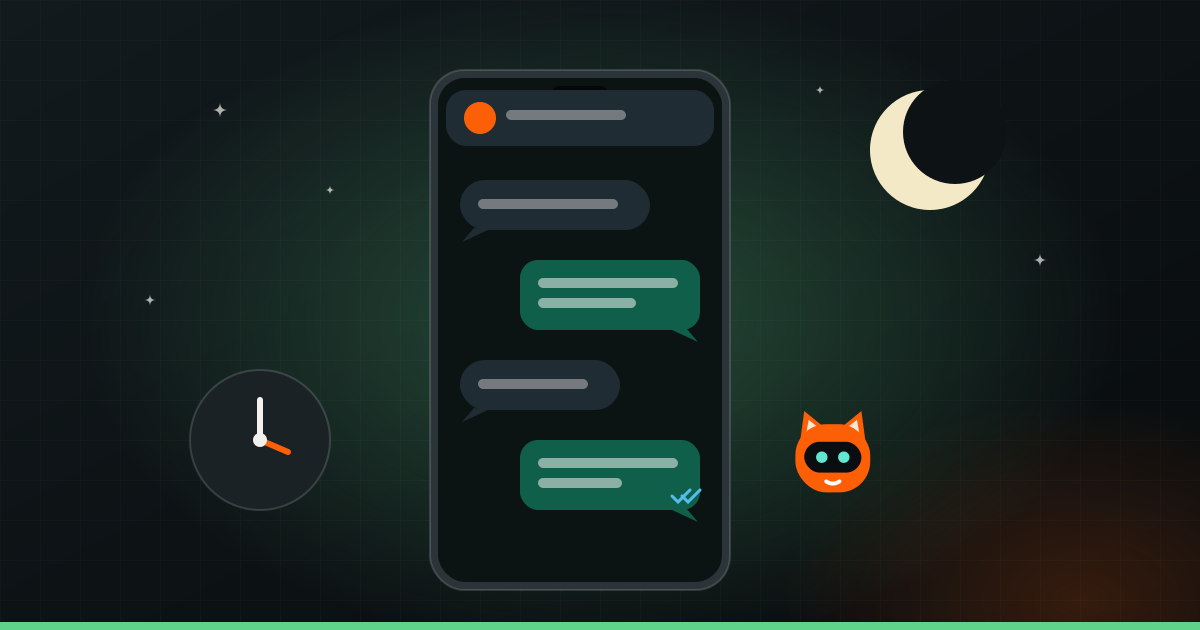
You can reply to every WhatsApp customer, even at 2 am, in two ways. First, use the free tools inside the WhatsApp Business app: greeting and away messages, quick replies, a catalogue and labels. Then, when you get more messages than you can handle, connect WhatsApp to an AI assistant through the WhatsApp Business API. It answers common questions, takes bookings and orders, and hands anything tricky to a person.
Here is why speed matters, what each level can do, and how to keep it feeling human.
Why fast replies win customers
When someone messages a business on WhatsApp, they are usually ready to act. They want to book, order or ask one question before deciding. And they often message more than one business at the same time.
Think about how you shop. You message three salons about a bridal package. The first to reply with clear answers gets your attention. The other two might be better, but by the time they reply in the morning, you have already booked.
A few things make this worse for small businesses:
- Messages arrive after hours. People browse and ask questions at night, after work, on Sundays. That is when you are closed.
- The owner is busy. A doctor with patients, a café owner during the lunch rush, a coach in class. WhatsApp waits.
- The same questions repeat. Timings, prices, location, availability. Answering each by hand takes time away from real work.
Slow replies are one of the quietest ways businesses lose customers. We cover others in why small businesses lose customers online.
Level 1: the free WhatsApp Business app
If you still use regular WhatsApp for your business, switch to the WhatsApp Business app. It is free, works on your phone, and has tools most owners never set up.
Greeting message
An automatic reply when someone messages you for the first time, or after a long gap. Use it to welcome them and say what to do next. For example: “Hi! Thanks for messaging [your café’s name]. Our menu is in the catalogue above. For table bookings, send your name, date, time and number of guests.”
Away message
An automatic reply outside your business hours. This is the simplest fix for night-time messages. Tell people when you will reply and give them something useful now: “We’re closed right now and will reply by 10 am. Meanwhile, you can see our prices in the catalogue.”
Quick replies
Saved answers to common questions that you send with a short shortcut. Timings, address with a map link, fee structure, delivery areas, payment options. Instead of typing the same paragraph twenty times a day, you tap a shortcut.
Catalogue
A list of your products or services with photos, descriptions and prices, right inside WhatsApp. A bakery can show its cakes. A clinic can list its consultations and packages. Customers can browse without leaving the chat.
Labels
Colour tags for chats, like “New enquiry”, “Order placed”, “Payment pending”, “Follow up”. They help you see who needs what, so nobody slips through the cracks.
These tools are a big step up from nothing. But they have limits. The away message cannot answer a specific question. Quick replies still need a person to send them. And it all runs on one phone or a few linked devices, which gets messy as your team and message volume grow.
Tip: Your away message should set an honest expectation. “We’ll reply within a few minutes” at midnight is worse than “We’ll reply by 10 am tomorrow”. People are fine waiting when they know how long.
Level 2: the WhatsApp Business API with an AI assistant
When messages pile up, or you are losing customers at night, the next step is the WhatsApp Business API, also called the WhatsApp Business Platform. It is not an app you download. It is a way to connect your WhatsApp number to software. You usually set it up through an approved provider, and Meta charges for some types of messages. Pricing and rules change, so check the current details when you plan.
Once connected, an AI assistant can reply to your customers at any hour. A good one can:
- Answer common questions in plain language, even when people type in Hinglish, with spelling mistakes, or split across three short messages.
- Take bookings: check open slots in your calendar, confirm the appointment and send a reminder the day before. Useful for clinics, salons, coaching demos and restaurants.
- Take orders: show products, note quantities and address, and send a payment link or pass the order to your team.
- Collect lead details: name, requirement, budget, location, so your team calls back with context.
- Hand off to a human when the question is complex, the customer is upset, or someone asks for a person.
- Connect to your tools: your calendar, CRM, spreadsheet, billing or inventory system, so it knows what is actually available.
Here is how that looks for a dental clinic. A patient messages at 11 pm: “tooth pain, can I come tomorrow?” The assistant replies straight away, asks a couple of questions, offers the open morning slots and books one. It does not give medical advice. It flags the chat as urgent for the front desk. When the clinic opens, the staff already know who is coming and why.
Keep it human and honest
Automation should make customers feel looked after, not fobbed off. A few rules help:
- Say it is an assistant. “Hi, I’m the clinic’s virtual assistant. I can help with bookings and questions, or connect you to our team.” Pretending to be a person backfires when people find out.
- Always offer a way to a person. Make “talk to someone” easy, and make sure someone actually picks it up during working hours.
- Do not let it guess. If the assistant does not know, it should say so and pass the chat on, not make up an answer.
- Keep the tone yours. Short, warm, in the language your customers use. A school and a streetwear brand should not sound the same.
- Respect WhatsApp’s rules. WhatsApp has rules about when and how businesses can message customers first. Follow-ups and offers need the customer’s consent and approved message formats. Spamming people gets numbers blocked.
What to prepare before you automate
An AI assistant is only as good as what you teach it. Before you set one up, gather:
- Your top questions and answers. Scroll through your WhatsApp and note the questions people ask most. Write the answers the way you would say them.
- Prices or how pricing works. If prices depend on the job, explain what they depend on, and what the assistant should say instead of a number.
- Policies. Cancellations, refunds, delivery areas and times, payment methods, what is not allowed.
- Your hours and who handles what. Who gets urgent chats, who handles complaints, who follows up on orders.
- Things it must never do. Give medical or legal advice, promise discounts, confirm stock it cannot check.
This prep is useful even if you stay on the free app. It becomes your quick replies, your catalogue and your team’s script.
Which level is right for you?
If you get a manageable number of messages and someone can usually reply within working hours, the WhatsApp Business app, set up properly, is enough. Do that today.
If messages come in faster than you can answer, a lot of them arrive after hours, or you keep answering the same questions, an AI assistant on the API is worth it. It takes some setup and testing on real conversations to get right. That is the part we handle as part of our AI automation service.
And if you are curious what else can run on its own, see 5 boring tasks you can hand to AI this week.