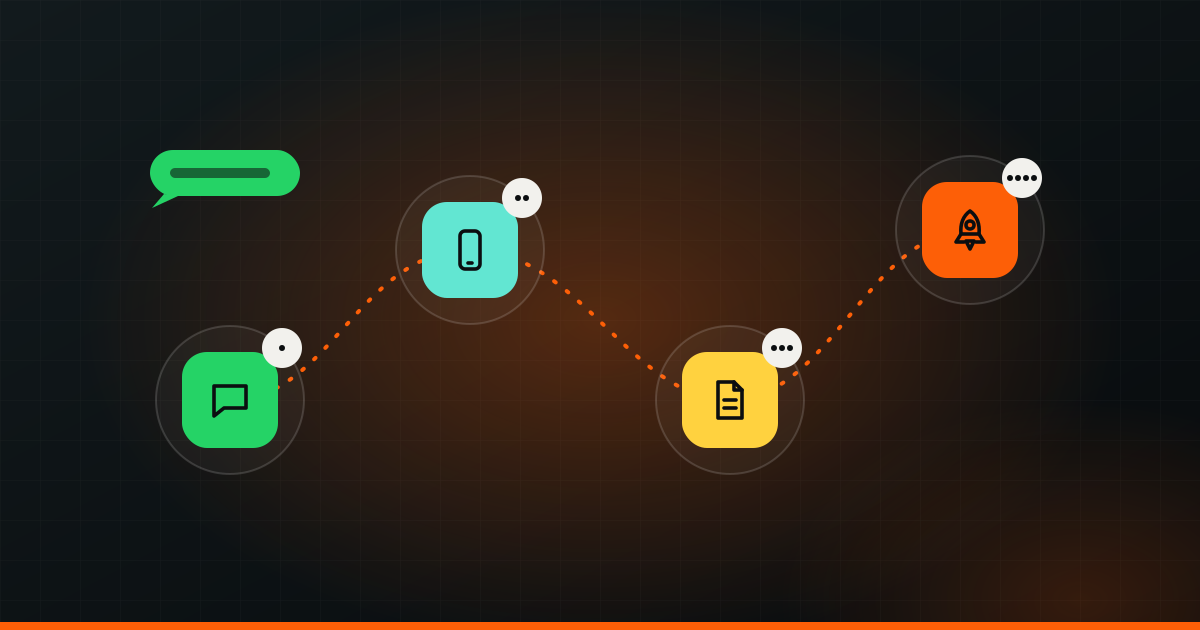
Working with Wizket takes four steps, and all of them happen on WhatsApp. You send a message. We have a short call about your goal. You get a free plan with a fixed price. Then we build, and you watch it come together through a live preview link. Here is each step in detail, plus what happens before and after.
Step 1: You send a WhatsApp message
Message us at +91 93433 42755. It can be as short as “Hi, I need a website for my clinic” or “I have an app idea, can we talk?” You do not need to fill in a form or write a brief.
A real person reads it and replies within 24 hours, Monday to Saturday, 10:00 to 19:00 IST. If you write on a Sunday night, you will hear back on Monday morning. If you prefer email, write to contact@wizket.com. Both reach the same team, and every option is listed on the Contact page. For an overview of every service first, read What is Wizket?
Step 2: A quick call about your goal
Next is a WhatsApp voice or video call. Most of it is about what you want to happen, not the features you think you need.
For example, a coaching centre might start by asking for “an app”. On the call we learn that the real problem is parents calling every day to ask about fees and attendance. That might be solved by an app, or by a simple parent portal, or by an AI assistant on WhatsApp. Talking about the goal first means you pay for the thing that fixes the problem.
Typical questions on the call:
- What does your business do, and who are your customers?
- What is not working today, or what do you want more of?
- How do you handle this now? (Spreadsheets, notebooks, WhatsApp, another tool?)
- Is there a date that matters, like a launch, a season or an event?
- What does success look like in three months?
If you want to share sensitive details about your idea, we can sign an NDA first.
Step 3: You get a plan with a fixed price
After the call, you get a plan as a PDF in the WhatsApp chat. It is free and there is no obligation. It covers three things:
- Scope: what we will build, page by page or feature by feature, and what is not included.
- Timeline: when each part will be ready and when you can expect launch.
- A fixed price: one number for that scope. No hourly meter running in the background.
Read it, ask questions, and change things if needed. If you want to add something later, we update the plan and agree on it before doing the work. That way the price never surprises you.
Tip: When you read the plan, check the “not included” part as carefully as the rest. Most project disagreements anywhere come from assumptions nobody wrote down.
Step 4: We build, and you watch it happen
Once you approve the plan, we create a WhatsApp group for your project. This is where the work happens in the open.
Regular updates
You get updates in the group as the work moves: what is done, what is next, and anything we need from you. Questions get answered in the same place, so nothing gets lost in email threads.
A live preview link
For websites, apps and software, you get a live preview link. Open it on your phone or laptop and see the real thing as it is being built, not just screenshots. If a button feels wrong or a sentence does not sound like you, say so in the group. Feedback is easier and cheaper to act on early.
Your part during the build
We will ask for things like your logo, photos, product lists, prices and the details only you know. You also review the preview and give feedback. That is usually it.
What you need to prepare (not much)
You can start with just an idea. That is what the first chat is for. But if you have any of these, they help:
- Your logo and brand colours, if you already have them.
- Photos of your shop, products, team or work.
- A few websites or apps you like, and what you like about them.
- Your current process, even if it is a spreadsheet or a notebook.
- Any numbers you track: enquiries per week, orders, bookings.
No logo yet? Branding can be part of the same project, so the look is ready before the site goes live.
How long it takes
| Project | Usual timeline |
|---|---|
| Website (business site, landing page, store) | 2–4 weeks |
| App or custom software | 6–12 weeks |
The exact timeline comes with your plan. What moves it most is scope and how quickly content and feedback come back. A five-page site with ready photos moves faster than a site waiting for product details. For more on app timelines, see Android, iOS or both?
Launch day
When everything is approved, we go live. For a website, that means it is on your domain and working on every screen. For an app, it means it has been submitted to the App Store and Google Play and approved. For software, it means your team is using it with real data.
We check the important things before and after: forms send, WhatsApp and call buttons work, pages load fast on phones, and everything is set up so you can see how people use it.
After launch
Wizket offers support, updates and hosting after launch. That covers the normal life of a project: a new page for a new service, a seasonal offer, a feature your team asks for, or a fix when something changes. You message the same WhatsApp chat and talk to people who already know your project.
Many businesses also add a next piece once the first one is live: ads that send people to the new site, or AI automation that answers enquiries at night. Because everything is built under one roof, the pieces connect.
Working with Wizket from abroad
Wizket is rooted in India and works with businesses worldwide. The process is the same wherever you are: WhatsApp messages, WhatsApp calls, a plan in the chat, a preview link you can open anywhere. We work across time zones and schedule calls at a time that suits both sides. We can bill in USD.